Omnibus F4 and the BFOSD
This is an overview of the Omnibus F4 flight controller and Betaflight OSD (BFOSD).
Review
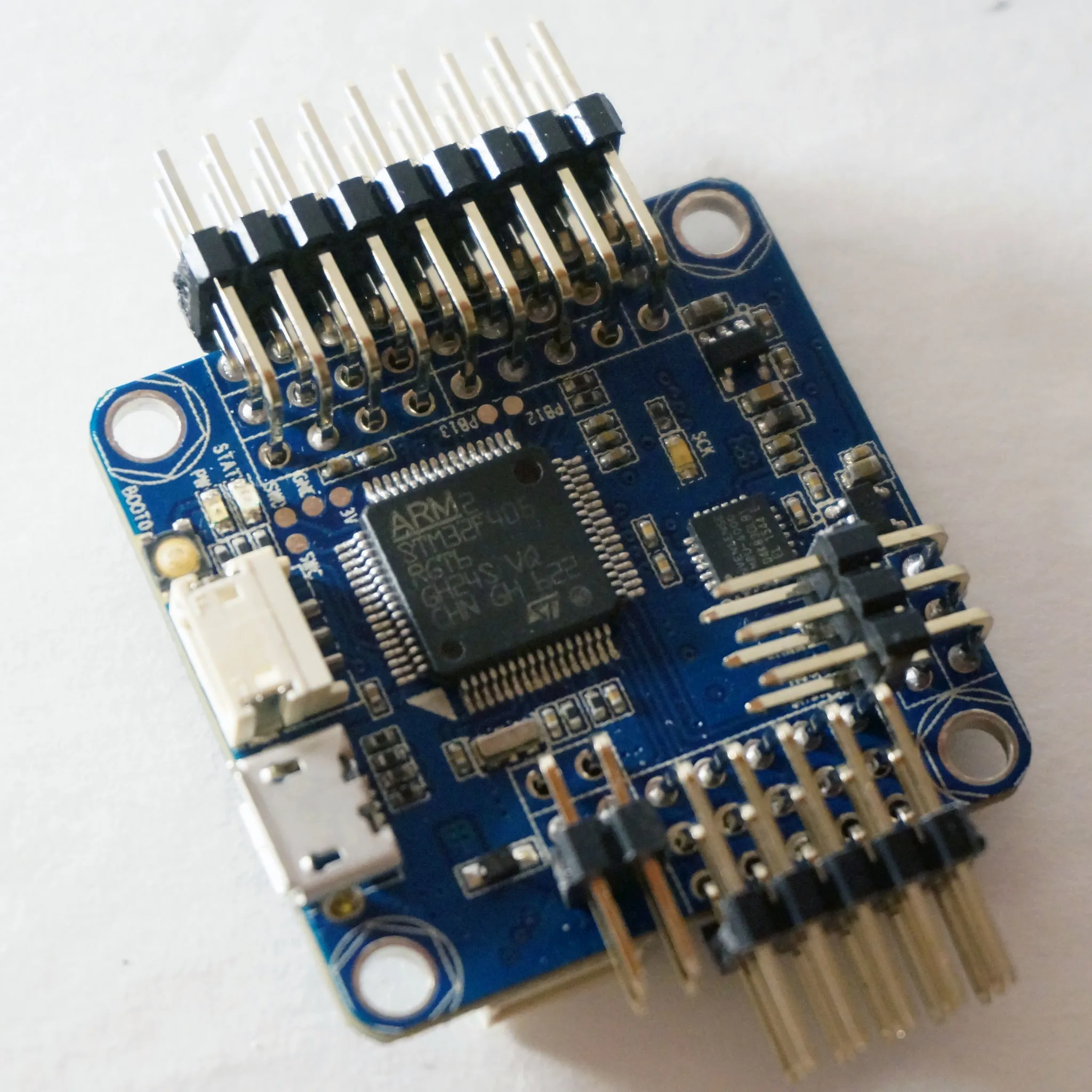
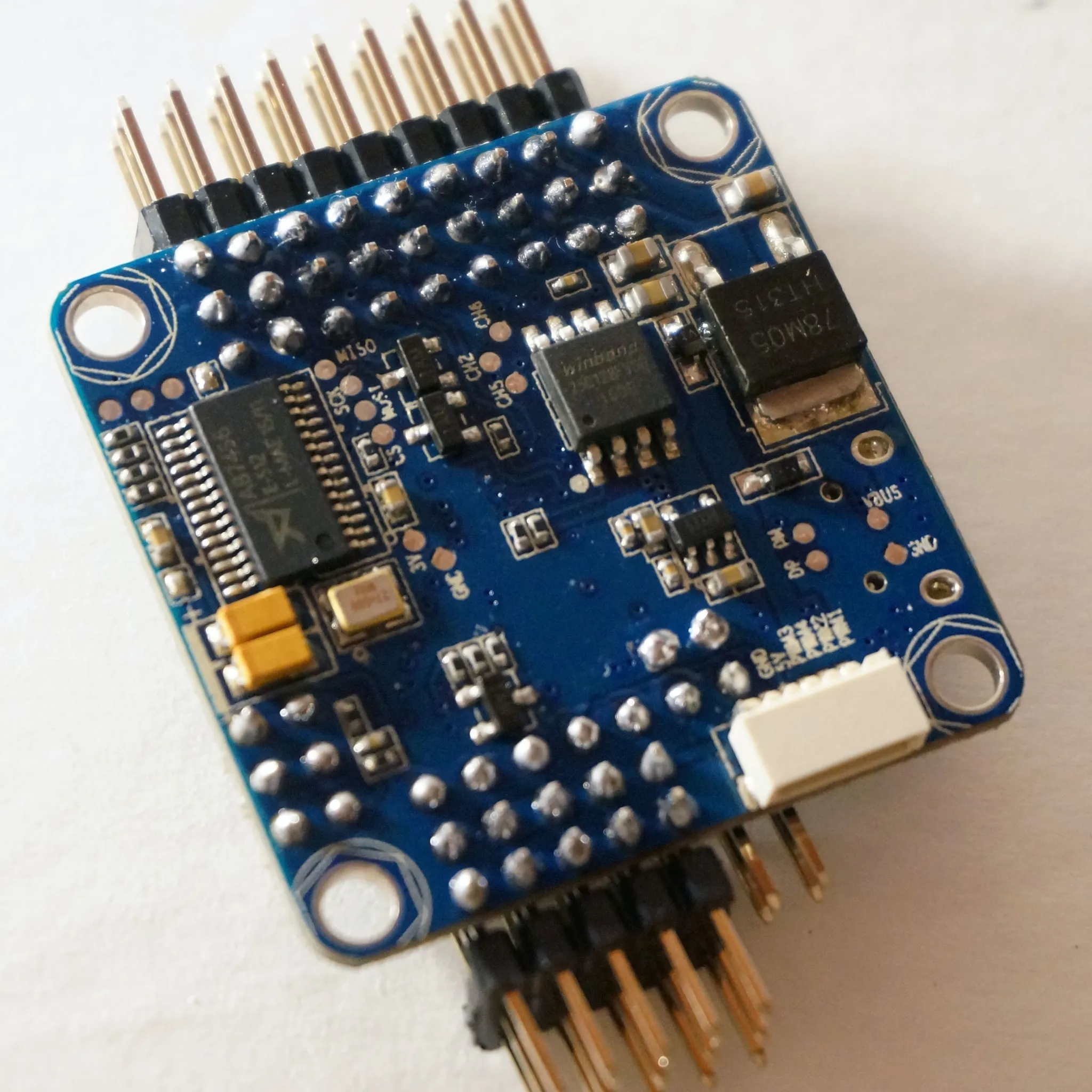
The Omnibus F4 is an STM32F4-based flight controller with an integrated Betaflight OSD. Like the
Update Nov 2016: There is now a version of the Omnibus F4 with an integrated SD card instead of flash, so you can choose which you prefer.
The other big difference between the
OSD
The big advantages of using an integrated BFOSD vs. a MinimOSD are that 1) no extra flashing step is required, 2) the BFOSD can be configured in the Betaflight GUI, and 3) the BFOSD sticks menu allows you to configure all the latest options Betaflight has to offer.
OSD GUI Configuration
Here’s an example of the GUI configuration. It’s drag-and-drop:
OSD Sticks Menu
The OSD sticks menu is the same as the Omnibus F3, and it is awesome. Here’s an example of what it can do:
Pinouts
If you’re familiar with the layout of the Omnibus F3, the Omnibus F4 is very similar:
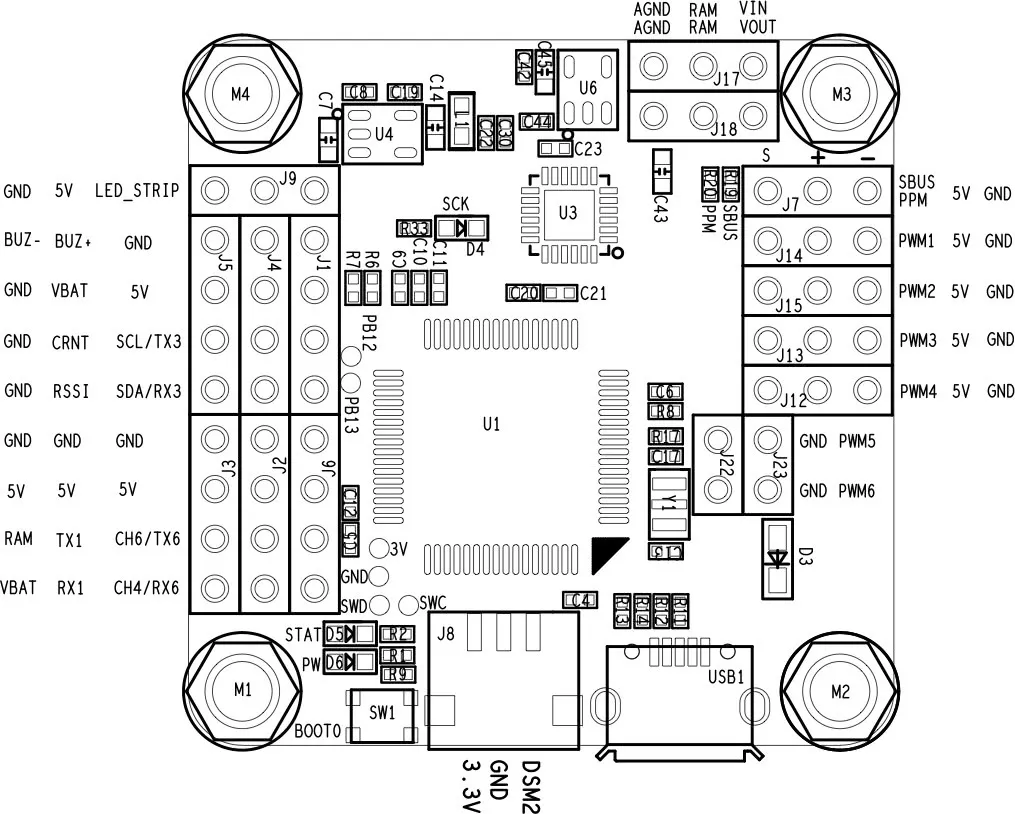
For a full wiring guide, see the
Receiver
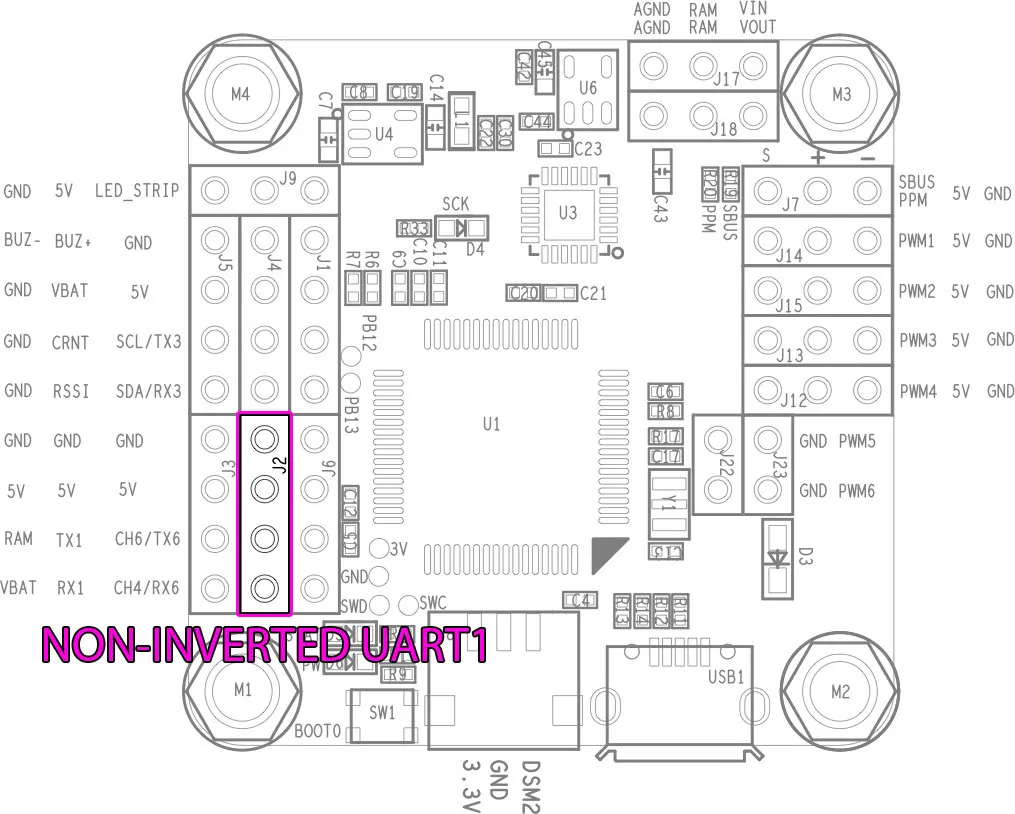
F3 processors have built-in UART (serial port) inversion, which is important for SBUS receivers; however, on the F4 processor, this is not built-in. Therefore, the Omnibus F4 has another component on the board that does serial inversion on the main SBUS/PPM input port.
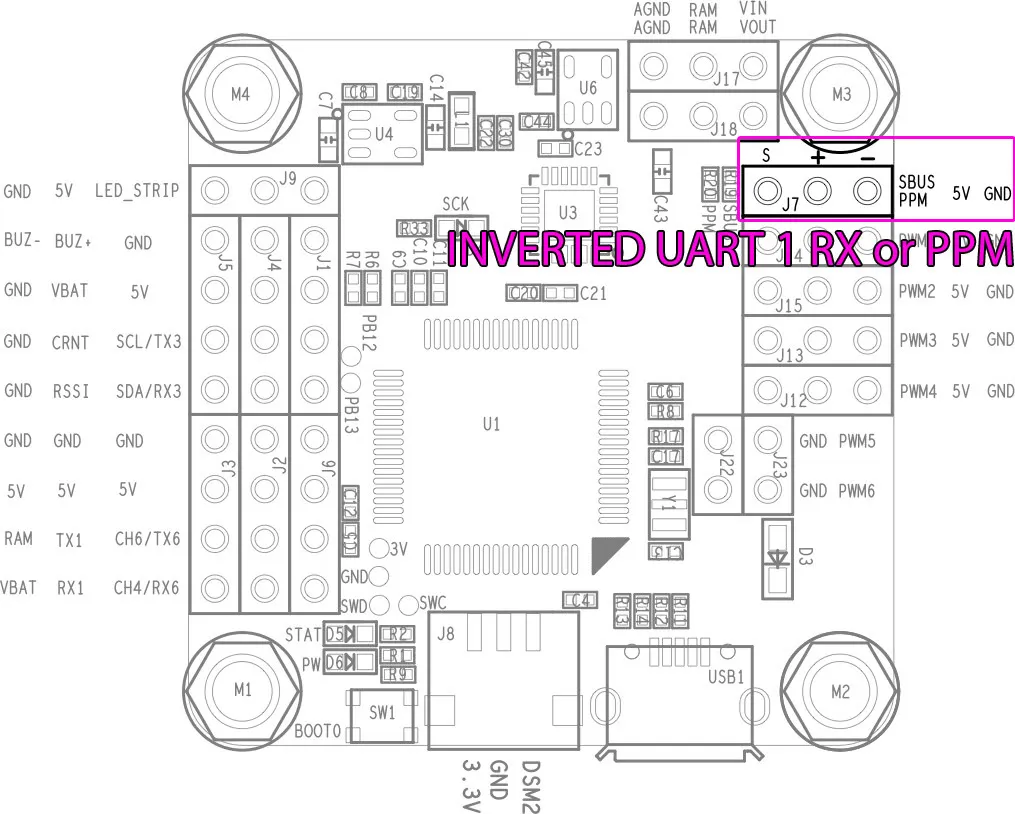
This main input port, shown above, is used for either PPM input or SBUS (inverted). To use UART1 without inversion, use the pin on the lower left-hand side of the board, which does not have an inverter.